
Technology in your favor
AI Image Translation Apps
Image translation using artificial intelligence (AI) is one of the most practical and useful innovations for those who need fast and accurate translations.
With globalization and the increasing movement of people between countries, this technology has gained popularity, especially among tourists, students and travelers who face language barriers.
By using applications that offer instant translations of texts present in images, the communication process becomes simpler and more efficient.
In this article, we’ll explore what AI image translation is, how this technology works, what the best apps are, and how you can use them to make your life easier.
If you've ever struggled to understand a menu in another language or read a sign in a foreign country, this handy guide will be a great help.
Follow these tips and learn how to choose the best application for your image translation needs. By the end, you will be able to use these tools efficiently and enjoy the benefits of automated translation of visually captured texts.
What is AI image translation?
AI image translation is a technology that uses advanced algorithms to recognize text in images and instantly translate it into the desired language.
This technology can be applied in a variety of situations, from translating street signs to translating text in documents and menus.
The process involves two main steps: optical character recognition (OCR) and machine translation. OCR is responsible for identifying and extracting text from images, while machine translation converts the extracted text into the chosen language.
The combination of these two technologies allows image translation to be done quickly and efficiently, without the need for human intervention.
How is AI revolutionizing image translation?
Artificial intelligence (AI) has provided significant advances in image translation, enabling faster and more accurate translations.
AI systems are capable of processing large volumes of data and learning from existing patterns, which continually improves translation quality.
AI can also understand context, something that was difficult for previous technologies, making translations more natural.
Additionally, AI makes it easier to use mobile devices for instant translations. Apps like Google Translate and Microsoft Translator allow users to simply point their cameras at text in another language, and the translation is performed in real time. This eliminates the need to manually type or search for translations.
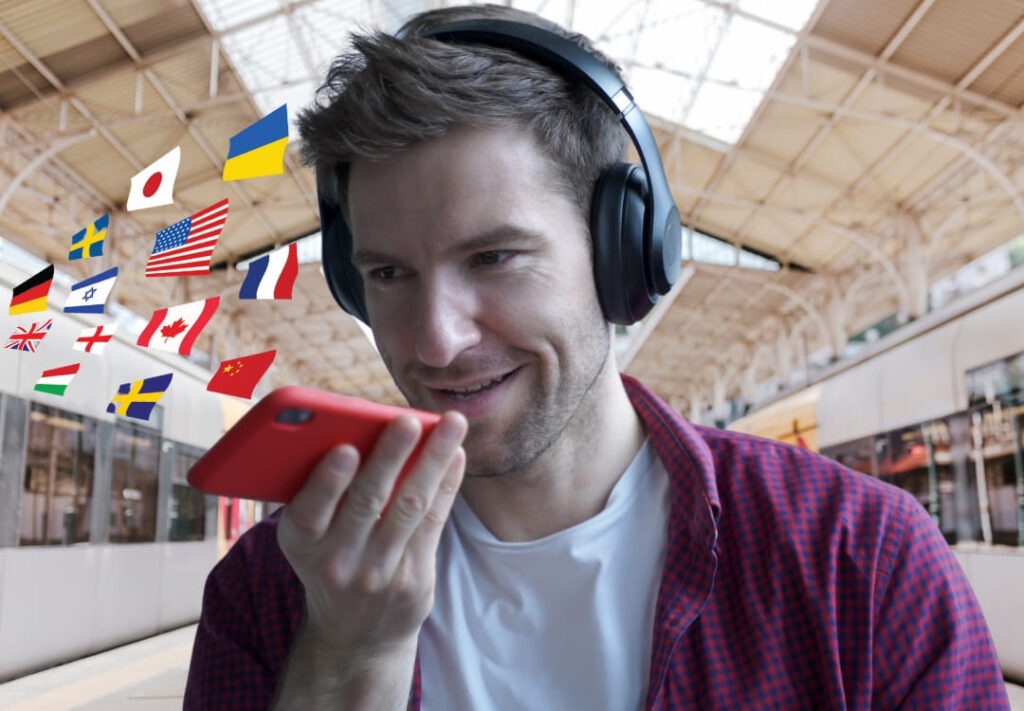
Best AI Image Translation Apps
Here are some of the best AI image translation apps, based on effectiveness and ease of use:
- Google Translate
Google Translate is one of the most popular translation apps and offers an image translation feature. Simply point your camera at the text and the app will automatically translate the image into your chosen language – Available for Android e iOS. - Microsoft Translator
Another robust option, Microsoft Translator offers excellent image translation and supports multiple languages. Additionally, it can translate text on signs, menus, and other types of images – Available for Android e iOS. - iTranslate
iTranslate is an application that stands out for its simplicity. It allows users to translate images quickly and offers an easy-to-use interface, ideal for tourists and travelers – Available for Android e iOS. - Waygo
Specific to Asian languages, Waygo is great for translating Chinese, Japanese and Korean characters directly from images, without the need for an internet connection – Available for Android e iOS. - Photo Translator
This app allows you to translate images in real time using your smartphone's camera. It's very useful for those who need to translate signs and other quick texts while traveling – Available for Android e iOS.
How to use image translation apps?
Using image translation apps is simple and straightforward. Here is a step-by-step guide:
- Get the app
Choose the image translation app that best suits your needs and download it from your smartphone's app store. - Open the app and select the image translation function
Open the app and look for the option to translate images. This usually involves the “camera” or “photo” function. - Capture the image
Point your device's camera at the text you want to translate. Some apps also allow you to upload images you've already taken. - Please wait for translation
After capturing the image, wait a few seconds while the application processes the text and provides the translation. - Check the translation
Review the translated text and, if necessary, adjust the translation to ensure accuracy.
Benefits and Challenges of Using Image Translation Apps
Benefits :
- Practicality: Fast and instant translations without the need to type or search for words manually.
- Precision: Many AI translation apps offer more accurate translations than previous tools.
- Accessibility: Easy access anywhere, anytime as long as you have a smartphone.
Challenges :
- Language limitations: Not all languages are perfectly supported, especially less common ones.
- Accuracy in complex texts: Some translations may fail in technical texts or more complex contexts.
- Dependence on image quality: The accuracy of the translation depends on the clarity of the text in the image.
Conclusion:
AI-powered image translation has transformed the way we deal with language barriers when traveling and learning new languages.
Applications such as Google Translate, Microsoft Translator and iTranslate offer fast and accurate solutions for those who need to translate visual texts in real time.
By following the tips and methods presented in this guide, you will be able to make the most of these innovative tools and facilitate communication anywhere in the world.
Common questions:
AI that translates text from image?
AI that translates text from images usually involves a combination of Optical Character Recognition (OCR) and Machine Translation. Applications like Google Translate and Microsoft Translator use AI to capture and translate text contained in images, whether they are signs, menus, or documents.
What is the best artificial intelligence for translation?
The best AI for translation depends on the context, but Google Translate e Microsoft Translator are widely recognized for their accuracy and support for multiple languages. Google Translate, for example, has a powerful AI that can understand contexts and nuances of translating texts and images effectively.
Which app translates images?
There are several applications that can translate images, among the most popular are:
Google Translate offers real-time image translation.
Microsoft Translator also offers this function, supporting several languages.
iTranslate : Allows you to translate text in images.
Waygo : useful for Asian languages such as Chinese, Japanese, and Korean.
Which AI translates better?
O Google Translate It is often considered one of the best AIs for translation due to its large database of languages, its ability to understand contexts, and its accuracy when translating simple and complex texts. However, the choice may vary depending on the language and type of text.
How to automatically translate images?
To automatically translate images, you can use applications like Google Translate ou Microsoft Translator. Simply take a photo of the text with your cell phone or use the app's camera function, which will automatically translate the text in the image.
How to translate text with artificial intelligence?
To translate text with AI, simply use an app like Google Translate ou Microsoft Translator. These apps analyze text, understand its context, and translate it into the desired language. In many cases, they offer real-time translations when you point your camera at the text.
Is there an app that automatically translates?
Yes, apps like Google Translate e Microsoft Translator offer automatic translation, including text translation from images, in a simple and effective way. You just need to capture the text with your cell phone camera and the application will translate it automatically.
What is the feature that translates images into words?
The feature that translates images into words is the Optical Character Recognition (OCR). It is used by applications such as Google Translate e iTranslate, which capture text from images and translate it into the selected language.
How to translate an image using your cell phone?
To translate an image on your cell phone, open a translation app, such as Google Translate ou Microsoft Translator, select the image translation option and point your phone's camera at the text you want to translate. The app will process the image and provide the translation automatically.