
Ways to Check Your INSS Benefits
There are three main ways to check your benefit:
1️⃣ Via the internet (Meu INSS website)
You can access the official portal and check all the information regarding your benefit.
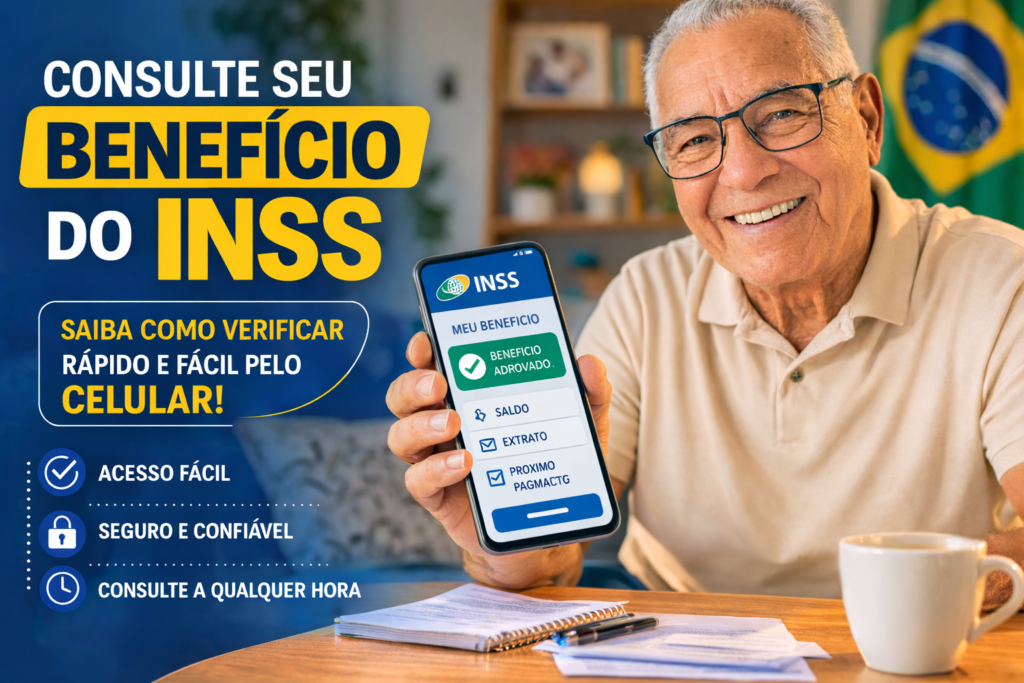
2️⃣ Through the Meu INSS app
Available for Android and iPhone mobile phones.
3️⃣ By phone 135
Ideal for those who don't use the internet.
Each of these options also allows you to track details such as:
- benefit value
- payment date
- order status
- INSS extract
How to Check Your INSS Benefits Using Your CPF on the Meu INSS Website
Now watch a simple step by step for checking INSS benefits.
Visit the site
Enter the official website:
Click on “Log in with gov.br”
You will be redirected to the government system.
Enter your CPF
Enter your CPF (Brazilian tax identification number) in the requested field.
Type your password
If you don't already have an account, you can create one right now.
Access the benefit
After logging into the system:
- Please click “Payment Statement”
- Or in “My Benefits”
There you will find all the information about your benefit.