
Understanding the Limitations and Potential of Cell Phones
While today’s smartphones have powerful cameras, they still have limitations compared to professional cameras. One of the main limitations is the size of the smartphone’s camera sensor, which is significantly smaller than that of a DSLR camera. This can affect depth of field, low-light image quality, and the ability to capture fine details.
However, modern smartphones have made efforts to improve on these aspects. They are equipped with technologies such as artificial intelligence, multiple lenses and advanced image processing, which help to compensate for the limitations of the sensor. This means that with the right knowledge, you can take stunning photos even without a professional camera. The key is to learn how to use these features effectively.
Additionally, the convenience of being able to carry your phone with you wherever you go and always have a camera at hand is something that a professional camera can’t offer. The ability to instantly share your photos on social media or edit them directly on your phone is a huge advantage. Knowing how to take high-quality photos with your phone, therefore, not only improves your images, but also increases your productivity as a content creator.
Adjusting Mobile Settings
To get the most out of your phone’s camera, it’s essential to tweak a few settings. Even if your phone has a great camera, the right settings can make all the difference. Here are a few settings you should explore:
- Image Resolution and Quality: Before you start taking photos, make sure your camera's resolution is set to maximum. While increasing the resolution may result in larger files, it ensures a sharper, more detailed image.
- White Balance: White balance corrects the color tones in your photo. If your photos are looking too yellow or blue, adjusting the white balance can fix this. Most phones have automatic modes, but exploring the manual settings can be helpful, especially in artificial lighting.
- HDR (High Dynamic Range): Turning on HDR mode helps you capture more detail in very bright and dark areas of your image. This is useful when you're photographing landscapes or scenes with intense light and shadows.
- Focus and Exposure: Many phones allow you to manually adjust the focus and exposure before taking the photo. Tap the screen to focus on the main subject and, if necessary, adjust the exposure to avoid over- or under-exposed photos.
- Portrait Mode: If your phone has portrait mode, take advantage of it! This mode uses depth of field to create a blur effect in the background, highlighting the subject of the photo, which is great for portraits and object shots.
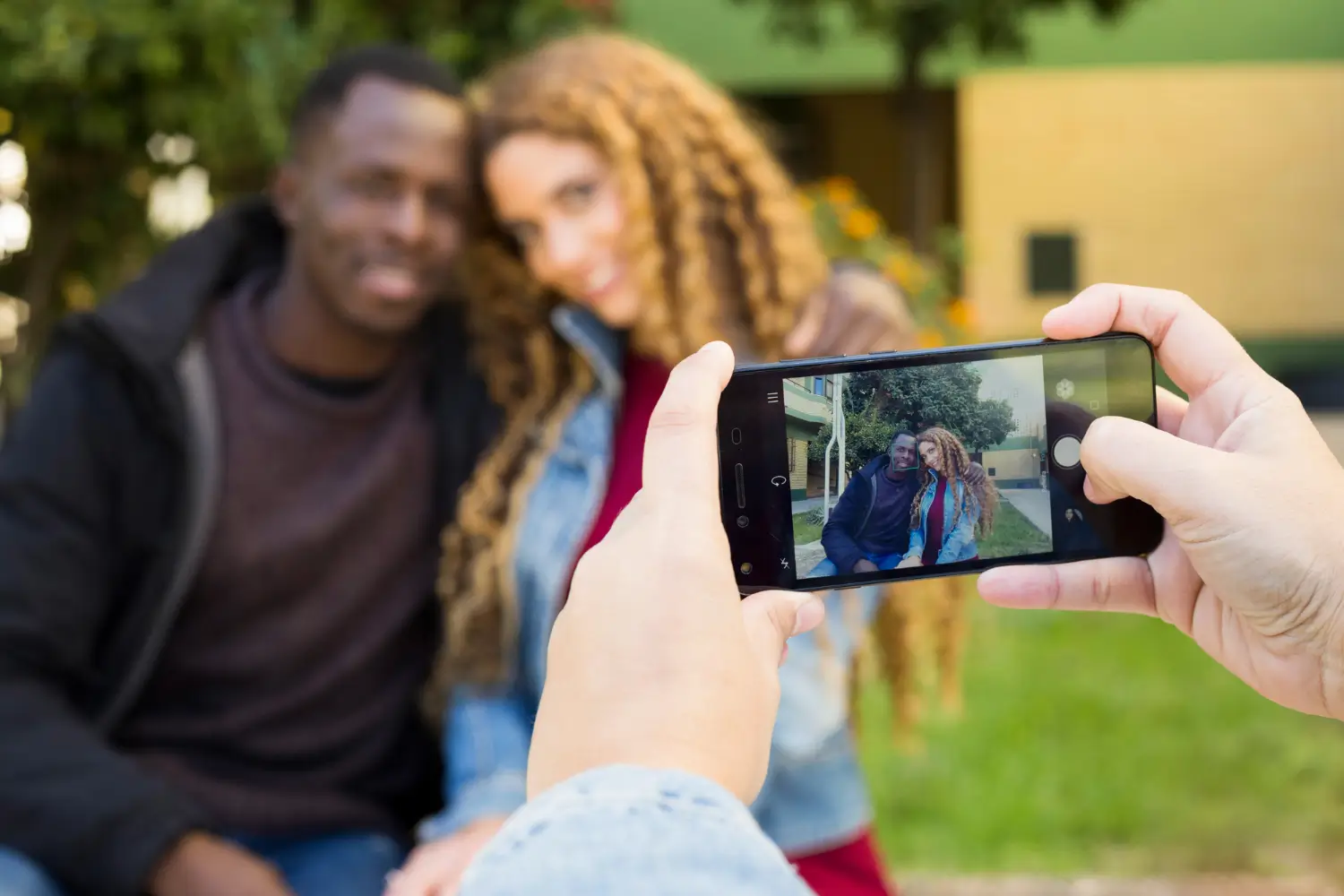
Techniques for Taking Good Photos on Your Cell Phone
Now that you’ve adjusted your settings, it’s time to put some techniques into practice to improve your photos. Here are some tips that can make all the difference:
- Composition is Everything: The composition of a photo is the arrangement of the elements within the frame. Use the rule of thirds, which suggests dividing the image into a grid of nine quadrants (two horizontal lines and two vertical lines), and positioning the subject at the intersection points. This creates a more balanced and visually pleasing photo.
- Enjoy Natural Light: Natural light is a photographer’s best friend, especially when using a smartphone. Whenever possible, shoot near windows or outdoors where the light is soft and diffused. Avoid direct light, such as bright sunlight, which can create harsh shadows.
- Try Different Angles: Changing your perspective can completely transform your photo. Try shooting from above, below, or from the side to find the best angle. Don’t get stuck taking photos only at eye level – different viewpoints can create amazing results.
- Stability is Fundamental: Since phones generally have smaller sensors, any shaking can result in blurry photos. To avoid this, keep your phone steady when taking the photo. If necessary, use a tripod or prop the phone on a firm surface. Some phones also have image stabilization modes that you can activate.
- Focus on the Details: Sometimes less is more. Instead of trying to capture an entire scene, focus on the small details that make a difference – like textures, patterns or vibrant colors. This can make the photo more interesting and unique.
Using Editing Applications
Even if you take a great photo, editing can make all the difference in the final result. There are many free and paid apps that offer powerful editing features. Here are some of the best:
- Snapseed: This is one of the most popular photo editing apps, and rightly so. It offers a range of professional tools, such as curve adjustment, perspective correction, and removal of unwanted objects.
- VSCO: In addition to being a great platform for editing photos, VSCO also has a community of content creators. It offers a variety of filters and fine-tuning to give your photo an artistic touch.
- Adobe Lightroom Mobile: For those looking for more precise control, Lightroom is a great option. It offers advanced features like curve control, color editing, and batch adjustments.
- Afterlight: This app has a simple interface and many beautiful filters, as well as high-quality editing tools to give that final touch to your photo.
- PicsArt: Ideal for those who like to be creative and add elements to the image, such as stickers and text. It is a great option to personalize your photos and make them more unique.
The Importance of Practice and Creativity
Constant practice is essential to improving your photography skills, especially when it comes to using a smartphone. Feel free to explore and try different approaches. Even without expensive equipment, you can create amazing images if you know how to explore the possibilities of your smartphone and use your creativity to the fullest.
Take photos every day, study the work of professional and amateur photographers, and observe how they use the techniques and tools that you have at your disposal. Creativity is what separates an ordinary photo from an extraordinary one. If you don't have a professional camera, the good news is that your cell phone can be the key to unleashing your creativity in a simple and accessible way.