
How to download the My INSS App
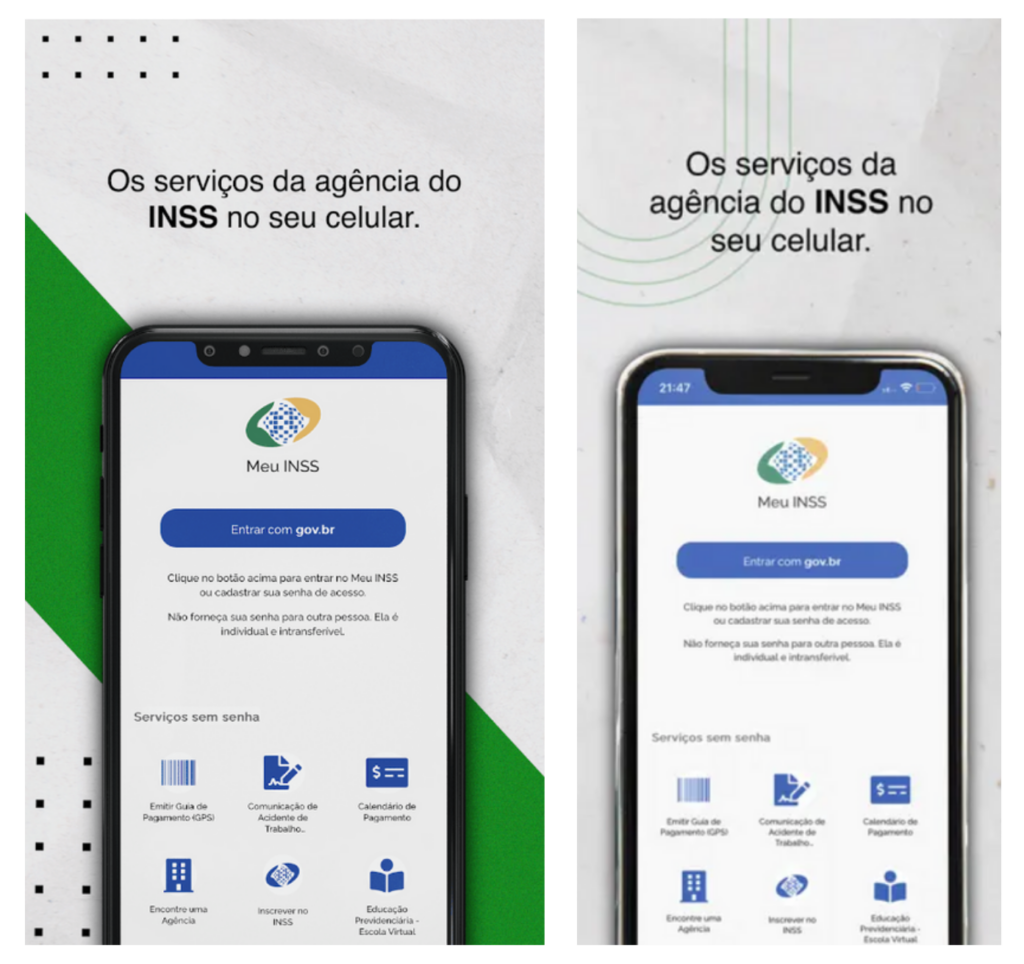
Step by step to download the application
- Search for the app in the App Store or Play Store
- Tap the search bar and type “My INSS” and tap “Search”.
- Select the “My INSS” Application.
- Install the App
- Tap “Get” or “Install”
- Confirm and wait for the application to install.
- open the application
- Tap the My INSS icon to open and follow the instructions to register or log in.
Date for the Life Test
Proof of life, as a rule, is carried out annually within 10 months after the date of the beneficiary's last birthday. To find the date of your next proof of life and how it can be carried out, you must consult the banking institution paying your benefit.
Important informations
Proof of Life, as already mentioned, is mandatory to continue receiving the benefit because, if it is not done, the benefit will be immediately blocked. However, in March 2024, the MPS ORDINANCE No. 723, OF MARCH 8, 2024, suspended the blocking of the benefit due to lack of proof of life until December 31, 2024.
This is because the government has other means of proving the beneficiary's life, such as:
- Issuance or renewal of documents (Passport, CNH, Identity Card, Work Card).
- Vaccination Record.
- Registration of attendance in election voting.
- Income Tax Declaration as a holder or dependent.
- Opening a company (MEI or as a partner).
- Attendance in person at Bank Branches or Public Bodies.
- Carrying out medical examinations.
- Voluntary attendance at the INSS (in person or via video call).
- Receipt of data by partner entities and government bases (CRAS, SUS).
- Registration update in CadÚnico.
- Receipt of a benefit or loan carried out and authorized using biometrics.
- Access to the Meu INSS application from an account with the Gold Seal.
Common Problems and Solutions
- Invalid or Expired Documents:
- Make sure all documents are valid and in good condition. Expired documents may be refused.
- Difficulties in Accessing the Application:
- Check your internet connection and update the “My INSS” application to the latest version.
- Forgetting the Date:
- Set an annual reminder on your cell phone or calendar so you don't forget to take the Life Test.
- Technical Problems in the Application:
- In case of technical problems, try again later or contact INSS support.
Benefits of Keeping Your Proof of Life Up to Date
Keeping your Proof of Life up to date is essential to ensure continued receipt of your INSS benefit. In addition to avoiding payment suspension, carrying out the Proof of Life regularly contributes to the security of the social security system, preventing fraud and ensuring that resources reach those who really need them.
Carrying out the Life Test demonstrates your commitment to maintaining your regular status with the INSS, avoiding future problems. Furthermore, with online options, the process has become even more practical, allowing you to fulfill this obligation without leaving home.
Conclusion
Carrying out the My INSS Life Proof is a simple but essential procedure to ensure that you continue to receive your INSS benefit. Whether in person or online, follow the detailed instructions in this guide to complete your Proof of Life without complications. Remember to keep your documents up to date and schedule an annual reminder so you don't miss the deadline.